What is Data Privacy in Simple Words Explained Simply
Data privacy is your right to control how your personal information is collected, used, and shared. Understanding it helps you make smarter choices about the apps, websites, and services you trust every day.
If you have ever wondered what is data privacy in simple words, here is the short answer: data privacy is your right to control how your personal information is collected, used, shared, and stored by websites, apps, companies, and governments. It decides who gets to see your details, what they can do with them, and how long they keep them.
- Definition: Data privacy is control over how your personal information is collected, used, shared, and.
- Privacy vs. security: Security keeps hackers out; privacy controls what companies can do with your data.
- Value: Your data is bought and sold by advertisers, data brokers, and AI companies.
- Protection: Unique passwords, two-factor authentication, and reviewing app permissions reduce risk.
- Limits: Perfect privacy doesn’t exist, but informed consent puts key decisions in your hands.
What Is Data Privacy in Simple Words?
The Simple Definition Anyone Can Understand
Think of data privacy like the curtains on your windows. You don’t mind people knowing you’re home, but you want the power to decide how much of your life they can see. Your personal data works the same way. Every time you browse a website, open an app, or create an account, you leave behind digital footprints: your name, email address, location, shopping habits, and even the videos you watch.
Data privacy is the principle that you should have a say in what happens to that information. It means companies should ask before collecting your data, tell you why they want it, and give you a way to opt out. In simple terms, it’s about informed consent — you get to know what you’re sharing and with whom.
Data Privacy vs. Data Security: What’s the Difference?
People often use “data privacy” and “data security” as if they mean the same thing, but they’re two separate ideas that work together.
Data security is about protection. It’s the locks, encryption, and safeguards that keep hackers out of your information. A company with strong security has good digital walls.
Data privacy is about permission. It’s about whether a company should have your data at all, what it’s allowed to do with it, and whether it shares it with others. You can have perfect security and still have terrible privacy — imagine a bank vault that’s impossible to break into, but the bank sells a list of your transactions to advertisers. The vault worked; your privacy didn’t.
Privacy and security both matter, but they solve different problems. Security keeps data safe from outsiders; privacy keeps data safe from misuse by the people who already have it.
Why Data Privacy Matters in 2026
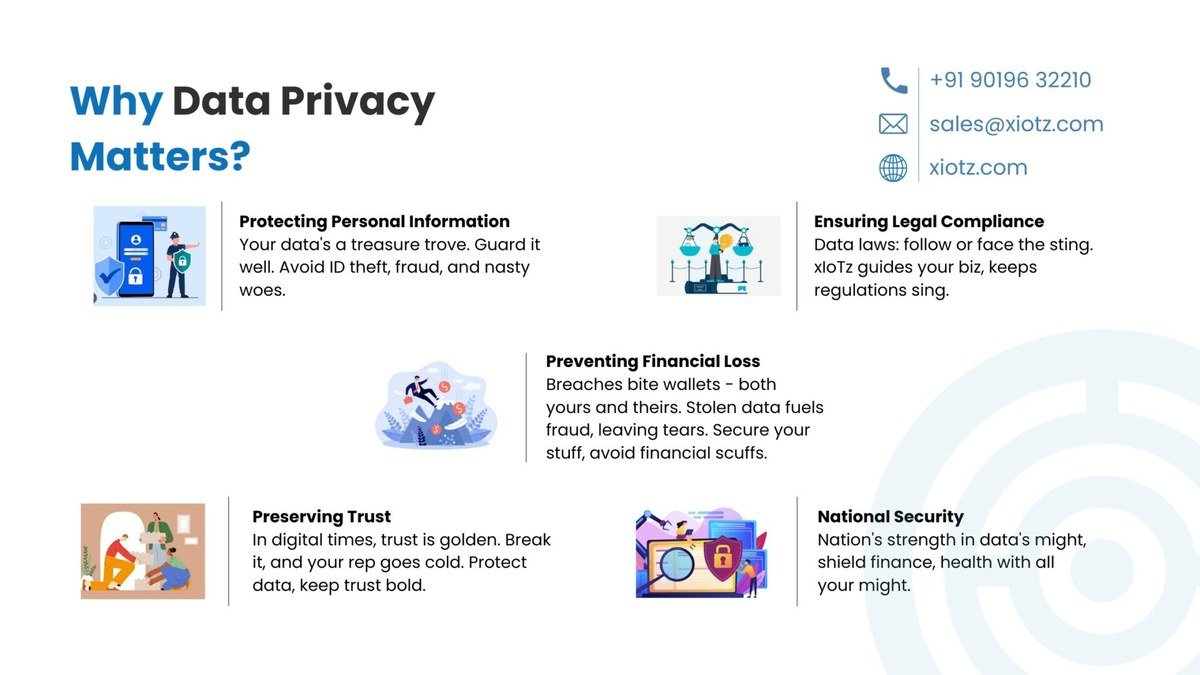
Illustration of a smartphone with a padlock overlay symbolizing data protection in 2026.
The Real-World Impact of Losing Control of Your Data
Data privacy isn’t abstract. When you lose control of your information, real things happen. Scammers can use your email address and phone number to build convincing phishing messages. Stolen identity details can be used to open accounts in your name. Your browsing history can be sold to advertisers who then follow you across the internet with targeted ads.
In 2026, the stakes are higher because artificial intelligence tools are now part of daily life. Chat assistants, image generators, and writing tools often process your input to improve their models. Before you paste a private document into an AI tool, it’s worth asking what the company does with it. The same caution applies to any service that asks for access to your contacts, photos, or location.
Who Profits From Your Personal Information
If a service is free, your data is often the product. Advertisers pay platforms to reach you, and platforms charge more when they know exactly what you like, where you go, and what you buy. Data brokers take this further: they buy, combine, and resell personal information from thousands of sources, building detailed profiles of people who never directly gave them anything.
Your data also feeds the machine-learning systems behind many modern tools. When you ask a chatbot a question or upload a file, that information may be used to train future versions of the model. If you want to know more about what a popular AI assistant collects, our guide on what data ChatGPT collects explains it in plain language.
Key Data Privacy Terms Explained in Plain English
Personal Data vs. Sensitive Data
Not all data is treated the same. Personal data is anything that identifies you: your name, email address, phone number, home address, or even your IP address. Most privacy laws give you some control over this kind of information.
Sensitive data is a higher-risk category. It includes health records, biometric information like fingerprints or face scans, religious or political beliefs, sexual orientation, and financial details. Because misuse of sensitive data can cause serious harm, laws like the European GDPR and California’s CCPA give it extra protection. Companies usually need your explicit permission to collect it, not just a pre-checked box.
Consent, Collection, and Your Rights
Three words show up constantly in privacy discussions: consent, collection, and rights.
- Consent means you agree to something. Good privacy practice means consent is informed (you understand what you’re agreeing to) and freely given (you can say no without losing access to basic features).
- Collection refers to what a company gathers about you. That can happen directly, when you type your name into a form, or indirectly, when a website tracks your clicks and location.
- Rights are what you can demand. Under strong privacy laws, you have the right to access the data a company holds about you, ask for it to be corrected, request deletion, and sometimes demand that it not be sold.
The European Union’s General Data Protection Regulation (GDPR), which took effect in May 2018, is one of the strongest data privacy laws in the world. It gives EU residents the right to ask any company what data it holds on them and why.
Who Should Care About Data Privacy?<
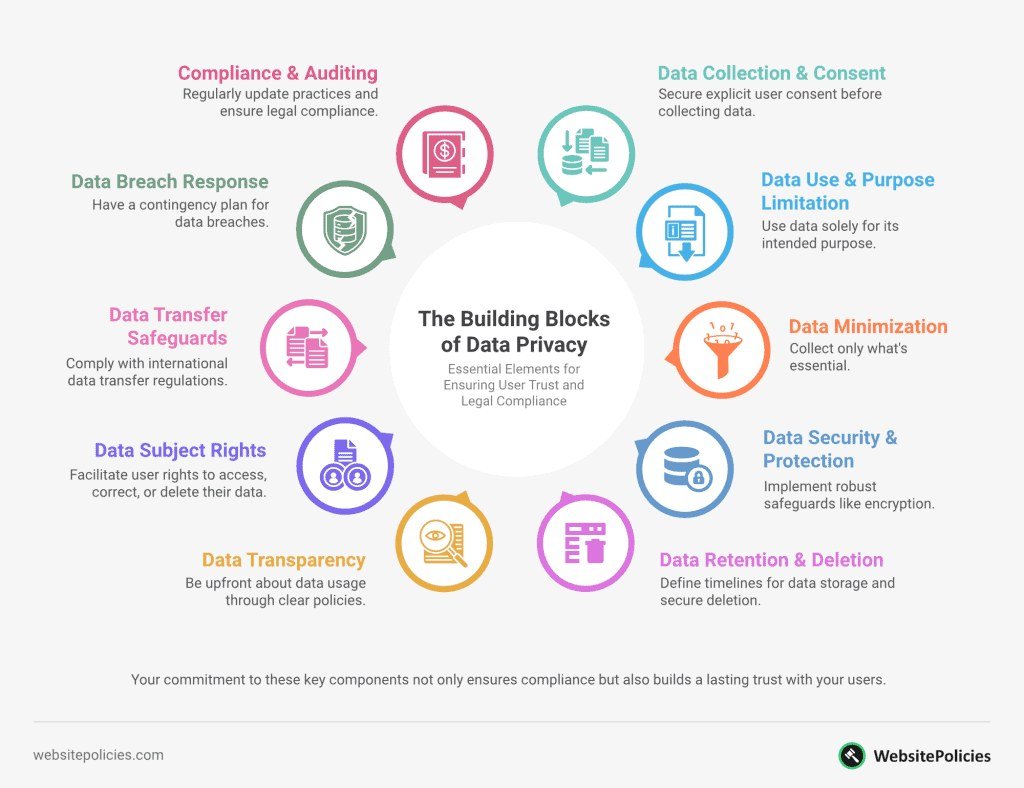
Illustration shows various individuals concerned about their online data security
Illustration shows various individuals concerned about their online data security
Everyday Internet Users
Anyone who uses email, social media, online shopping, or streaming services has a data privacy interest. Every account you create adds another record to the digital world. You don’t need to be a target of a cyberattack to care; routine data collection affects ad targeting, content recommendations, and even the prices you’re shown online.
Parents, Kids, and Vulnerable Groups
Children are especially exposed because they are still learning to judge what’s safe to share. Many platforms collect data on minors, and that information can stay in databases for years. Parents should review app permissions, talk to kids about what not to post, and use parental controls where available. Older adults and people unfamiliar with technology are also frequent targets of scams that rely on stolen personal details.
Remote Workers and Small Business Owners
Working from home means company data lives on personal devices. If you answer work emails on your phone or use a home laptop for both personal and professional tasks, a privacy slip can expose customer information, payroll details, or confidential plans. Small business owners also collect data from their own customers — names, emails, payment details — and are legally responsible for protecting it.
Common Data Privacy Threats and Mistakes
The Biggest Threats to Your Privacy Today
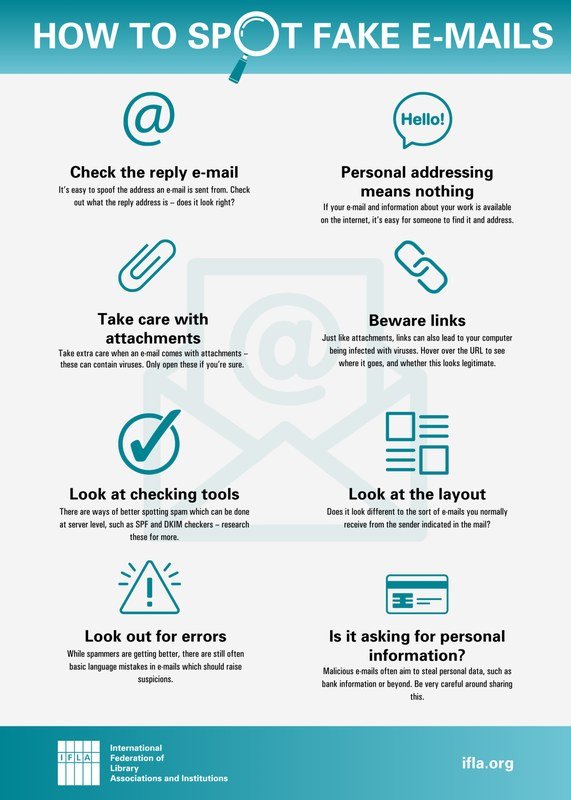
The most common threats fall into a few categories. Phishing attacks trick people into handing over passwords or payment details through fake emails and websites that look legitimate. Data breaches happen when hackers break into a company’s database and steal customer information; even if you did nothing wrong, your data can end up exposed. Tracking and profiling are quieter threats: advertising networks follow your activity across sites to build a picture of you without you noticing.
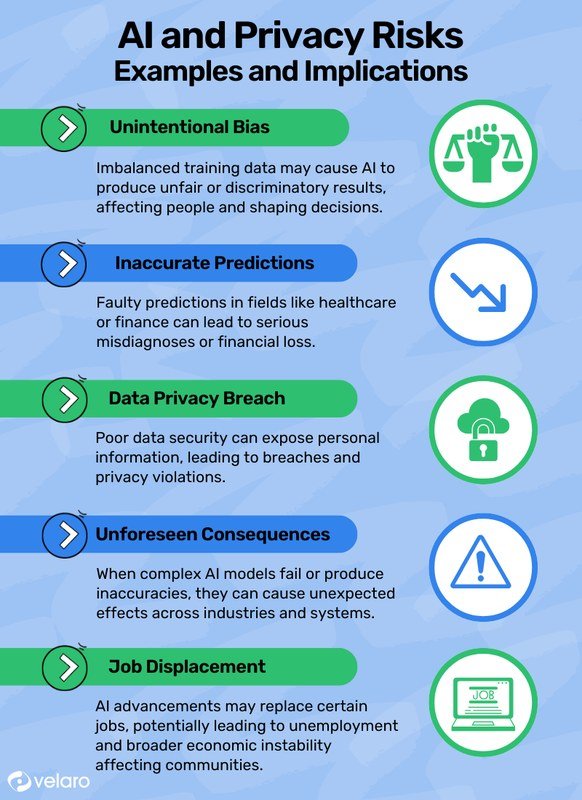
AI tools add a new layer of risk. Anything you paste into a chatbot or upload to an image generator may be stored, reviewed, or used for training. If you want to recognize and avoid deceptive messages, our article on what a phishing attack is is a good place to start.
Mistakes That Put Your Data at Risk
Most privacy problems don’t start with a hacker. They start with small habits: reusing the same password on every site, leaving accounts signed in on shared devices, accepting every cookie banner without reading it, and posting travel plans or personal details publicly on social media. Over-sharing makes it easy for scammers to answer your security questions or impersonate you.
- Use a unique password for every important account.
- Turn on two-factor authentication where available.
- Review app permissions and revoke access you no longer need.
- Clicking “Accept all” on cookie banners without checking options.
- Sharing your full birth date, address, or travel plans publicly.
- Pasting sensitive documents into AI tools without checking their privacy policy.
How to Protect Your Data Privacy: Practical Steps
Simple Daily Habits That Make a Big Difference
You don’t need to be a tech expert to improve your privacy. Start with these habits:
- Think before you share. Ask whether a website really needs your phone number or birth date to provide the service.
- Use a password manager so you can have a strong, unique password for every account without memorizing them.
- Turn on two-factor authentication for email, banking, and social media accounts.
- Check privacy settings on social media and set posts to friends-only by default.
If you regularly use AI tools, the same rules apply. Our guide on how to protect privacy when using AI tools covers what to avoid typing into chatbots and how to adjust settings.
Treat your email inbox as the key to your digital life. Most password resets go through email, so use a strong password and two-factor authentication on your primary email account before worrying about any other account.
Tools and Settings Worth Adjusting Right Now
Several adjustments take less than ten minutes and make an immediate difference:
- Turn on your browser’s private mode, and use a browser that blocks third-party trackers by default.
- Review the permissions on your phone: does a flashlight app really need access to your contacts? Probably not.
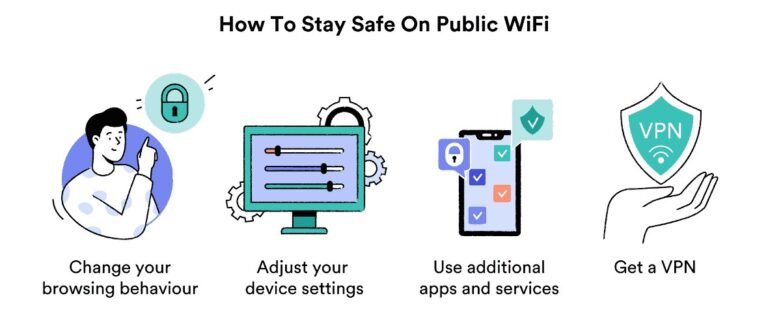
- Use a virtual private network (VPN) when connecting to public Wi-Fi, especially when checking bank accounts or work email.
- Check which apps are connected to your social media accounts and remove the ones you no longer use.
- Set your operating system and apps to update automatically so security patches arrive quickly.
The Limitations of Data Privacy: What You Can’t Fully Control
Convenience vs. Privacy: The Trade-Off
Perfect privacy doesn’t exist, and most people don’t actually want it. We want maps that know where we are, streaming services that remember what we watch, and stores that save our payment details so checkout is fast. Every one of those conveniences requires giving up a little data. The goal isn’t to disappear from the internet; it’s to make informed choices about what you trade.
What Companies and Governments Can Still See
Even with careful habits, some data collection is out of your hands. Your internet service provider can see which websites you visit unless you use a VPN. Apps can collect metadata — the time, location, and frequency of your activity — even when the content itself is encrypted. Governments can compel companies to hand over data through legal requests, and companies can change their privacy policies, so yesterday’s promise may not hold tomorrow.
Final Verdict: Is Understanding Data Privacy Worth It?
Yes — not because you can achieve perfect privacy, but because understanding it lets you make deliberate choices instead of accidental ones. When you know what personal data is, how it’s collected, and who profits from it, you stop being a passive participant. You start deciding which apps deserve your information, which settings to change, and which links not to click.
Data privacy is not about paranoia. It’s about the same control you exercise in the physical world: knowing who has your address, who doesn’t, and what you’re comfortable sharing. The tools and habits above won’t make you invisible, but they will put the most important decisions back in your hands. For more guidance on keeping your information safe, browse our online privacy articles for practical, jargon-free advice.
- Data privacy is your right to control how your personal information is collected, used, and shared.
- Privacy and security are different: security protects data from hackers, privacy protects it from misuse.
- Your data is valuable — advertisers, data brokers, and AI companies all profit from it.
- Small habits like unique passwords, two-factor authentication, and reviewing app permissions make a real difference.
- Perfect privacy isn’t possible, but informed consent puts the important choices in your hands.
Frequently Asked Questions