What Is Computer Vision in AI Explained for Beginners
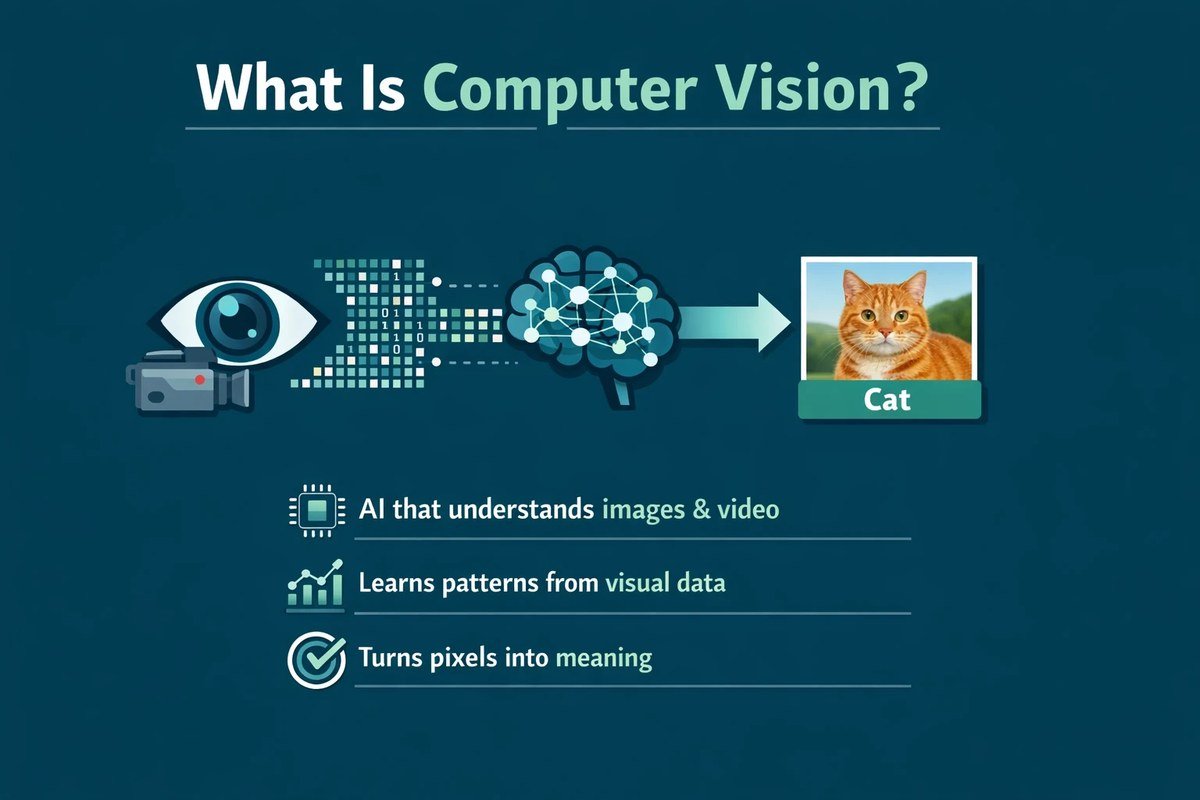
Computer vision is the branch of AI that trains machines to interpret images and video. It powers facial recognition, self-driving cars, medical imaging, and factory quality control.
Understanding what is computer vision in ai starts with a simple observation: computers can be taught to see. Computer vision is the branch of artificial intelligence that trains machines to interpret and understand visual information from photos, videos, and live camera feeds. Instead of just storing an image as a file, a computer vision system identifies what is actually in it — faces, objects, text, motion, or even tiny defects on a factory line.
- Definition: Computer vision teaches machines to extract meaning from images and video.
- How it works: Models learn patterns from labeled image data using machine learning and deep neural networks.
- Where it’s used: Facial recognition, self-driving cars, medical imaging, and industrial inspection.
- Main limits: Needs diverse data, strong compute, and careful testing to avoid bias and failures.
- Getting started: Use pre-trained models and cloud APIs before building custom systems.
What Is Computer Vision in AI?
The Simple Definition
Computer vision is a field of artificial intelligence that enables machines to extract meaning from digital images and videos. In plain terms, it gives computers the ability to “see” and make decisions based on what they see. A computer vision model might count people in a crowd, read a license plate, flag a suspicious package, or guide a robot arm to the right part on an assembly line.
The key word is “understand.” A regular camera just records light. A computer vision system interprets that recording — it knows that a blurry shape in the corner is probably a pedestrian, or that a dark spot on a metal part is a crack that failed quality control.
How It Differs from Human Vision
Human vision seems effortless, but it is incredibly complex. Our brains process light, color, depth, and motion in parallel, and we can recognize objects even when they are partially hidden, oddly angled, or poorly lit. Computers do not have that natural ability. A computer sees an image as a grid of numbers — pixel values for red, green, and blue — with no built-in concept of a “cat” or a “stop sign.” It must learn those concepts from thousands or millions of labeled examples.
Human vision is also flexible. You can recognize a friend even if they have aged, grown a beard, or are wearing sunglasses. Computer vision systems can be thrown off by small changes like a new background, a different camera lens, or unusual lighting. That gap matters when you are deciding where computer vision can help and where it cannot.
How Computer Vision Works
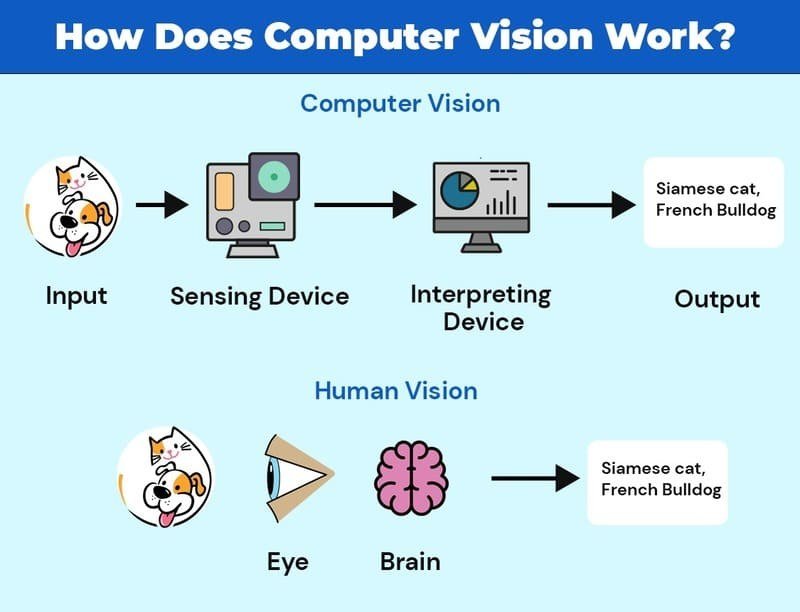
A diagram illustrating the stages of computer vision, from image capture to object identification.
The Role of Machine Learning and Deep Learning
Early computer vision relied on hand-coded rules: “if the edge is this sharp and the color is this red, it’s a stop sign.” That approach broke down quickly because real-world images are too varied. Modern computer vision is powered by machine learning. Instead of being programmed, a system is trained on labeled examples. Show it thousands of photos of dogs labeled “dog,” and it learns the visual patterns that make a dog a dog. If you are new to this idea, our guide to machine learning in simple terms explains the core concepts without the jargon.
Deep learning takes machine learning further by using neural networks with many layers. Convolutional neural networks (CNNs) are the workhorse of modern computer vision. They scan an image in small patches, detecting edges, then textures, then shapes, and finally whole objects. This is the same technology behind face unlock on phones and automatic photo tagging. Deep learning is a big topic on its own, and our guide to deep learning in simple words covers the fundamentals before you dive into vision models.
Key Components: Images, Data, and Algorithms
Every computer vision project depends on three things:
- Images: The raw material — photos, video frames, or live camera feeds.
- Labeled data: Images paired with the correct answer, such as a picture of a pedestrian labeled “pedestrian.” The quality and variety of this data determines how well the model performs.
- Algorithms: The training process that turns data into a model. Once trained, the model processes new, unseen images and makes predictions.
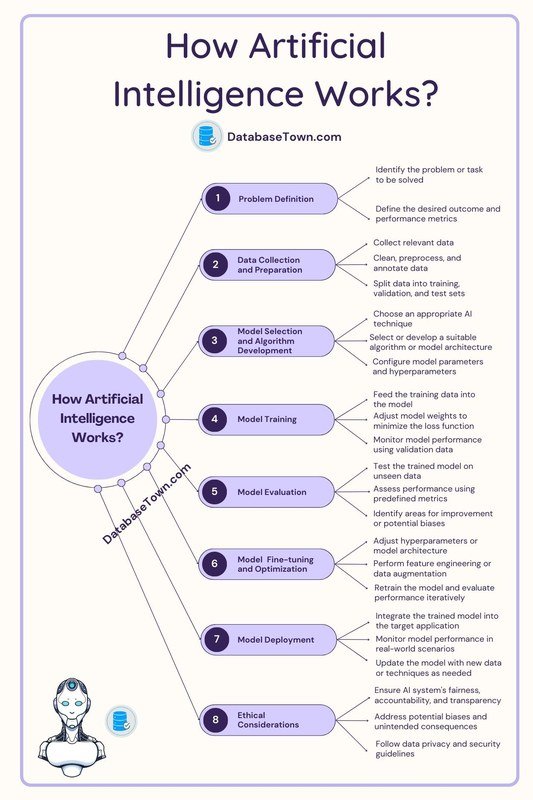
A typical pipeline looks like this: collect images, clean and label them, train the model, test it on images it has never seen, and finally deploy it in a real application. The training stage is the most time-consuming part, and it is where most projects succeed or fail.
Convolutional neural networks were inspired by the visual cortex of animals. Researchers studied how neurons in the brain respond to edges and shapes, then built artificial layers that mimic that behavior.
Major Applications of Computer Vision
Everyday Uses: Facial Recognition, Self-Driving Cars, Medical Imaging
Facial recognition is the most visible use of computer vision. It unlocks phones, tags photos, and verifies identity at airport gates. Self-driving cars rely on computer vision to detect lanes, traffic signs, pedestrians, and other vehicles in real time. In healthcare, computer vision helps radiologists spot abnormalities in X-rays, MRIs, and CT scans. It does not replace the doctor, but it can flag suspicious areas for a second look. You can explore more examples of how AI is used in healthcare to see where vision fits alongside other medical AI tools.
Business and Industrial Applications
Manufacturers use computer vision to inspect products on assembly lines, checking for scratches, missing parts, or incorrect labels at speeds no human can match. Retailers use it for inventory tracking and checkout-free stores. Farmers attach vision systems to drones to assess crop health from above. Security teams use it to monitor large areas for unusual activity, and logistics companies use it to read barcodes and sort packages automatically. In nearly every industry, the pattern is the same: a repetitive visual task that humans find boring or error-prone gets handed to a machine.
The Benefits of Computer Vision<
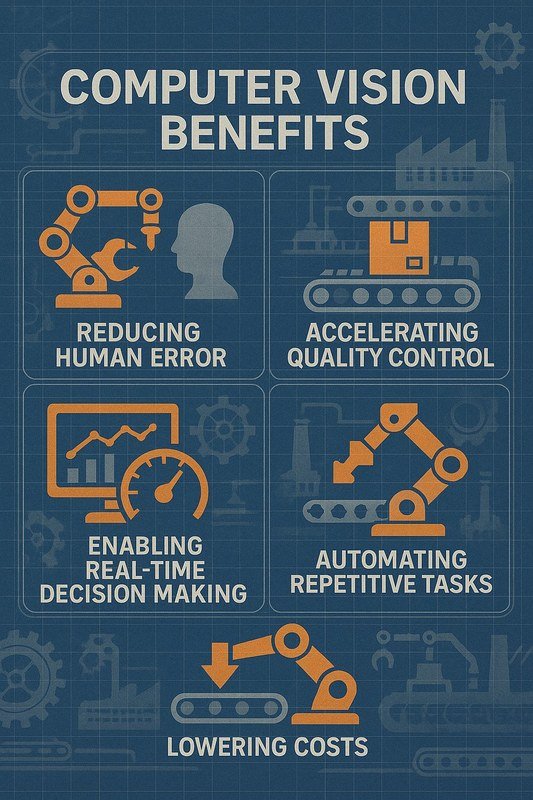
Computer vision recognizes and labels objects in real-world images.
Computer vision recognizes and labels objects in real-world images.
Speed and Accuracy
A well-trained vision model can inspect thousands of items per minute without getting tired. It does not blink, does not get distracted, and applies the same standard every time. In quality control, this means defects are caught earlier and consistency improves. In security, it means a single camera feed can be monitored around the clock without a human staring at a screen.
Cost Reduction and Automation
Automating visual tasks reduces labor costs and frees human workers for higher-level work. Instead of having ten people check products by eye, a factory might have one person supervising the vision system. If the volume is high enough, the system pays for itself over time. This is a practical example of AI automation, and it is one of the clearest business cases for the technology.
Limitations and Challenges to Know
Data Quality and Bias
A computer vision model is only as good as its training data. If the data is one-sided — mostly light-skinned faces, mostly daytime driving scenes, or mostly one brand of product — the model will perform poorly on anything else. This is called bias, and it is a serious problem in real deployments. A facial recognition system trained mostly on one demographic group can have much higher error rates for other groups. Fixing this requires diverse, well-labeled datasets and continuous testing.
Performance varies by dataset, model, and deployment environment. A model that works well in a bright, controlled warehouse may fail in dim outdoor lighting or heavy rain. Always test in the conditions where the system will actually run.
Computational Requirements
Training a modern vision model requires serious computing power, usually GPUs or cloud clusters, and that can get expensive. Running the model afterward — called inference — is cheaper, but it still needs capable hardware. Small businesses often start with cloud-based vision APIs instead of training their own models, which is a sensible way to test the waters before investing in infrastructure.
Common Mistakes to Avoid When Implementing Computer Vision
Ignoring Data Diversity
The biggest mistake is training on data that does not match the real world. If your deployment site has different lighting, different camera angles, or different objects than your training data, accuracy will drop. Collect data from the actual environment where the system will run, and include edge cases: bad weather, crowded scenes, and unusual angles.
Overestimating Capabilities
Computer vision is powerful but not magic. It can be fooled by adversarial examples — tiny changes to an image that a human would never notice but that completely confuse a model. It also struggles with ambiguity, overlapping objects, and rare scenarios. Plan for failure modes and keep a human in the loop for high-stakes decisions.
- Start with a small pilot project and measure accuracy on real-world data.
- Set clear thresholds for when the system needs human review.
- Assuming a model that scored well on a benchmark will perform the same in your environment.
- Deploying on high-stakes tasks without a fallback plan.
How to Get Started with Computer Vision
Tools and Frameworks
You do not need to build everything from scratch. Open-source libraries like OpenCV handle basic image processing. For deep learning, PyTorch and TensorFlow are the standards, and both have extensive tutorials for vision tasks. Pre-trained models let you start with a model that already recognizes common objects and fine-tune it for your needs. Cloud providers also offer vision APIs that handle face detection, optical character recognition, and object recognition out of the box.
Hardware Considerations
For learning, a standard laptop is enough to run pre-trained models and process small images. Training a custom model from scratch requires a GPU — either a local one or a cloud instance. If you are just experimenting, start with cloud notebooks that offer free or low-cost GPU time. Do not buy expensive hardware until you know the project is viable.
Best Practices for Beginners
Start small. Pick one narrow task — detecting a single type of defect, counting people in a room, reading a specific type of label — and get that working before expanding. Use a pre-trained model as a base instead of designing a network from scratch. Keep a separate test set that the model has never seen, and check accuracy on it regularly. And remember that data collection and labeling will take more time than you expect.
- Start with a pre-trained model and a small dataset, not a custom network from scratch.
- Use labeled data from your actual use environment, not just public datasets.
- Track accuracy on a held-out test set so you know the model’s real performance.
- Document your data sources and labeling rules — it makes fixes much easier later.
The Value and Future of Computer Vision
Why It Matters in 2026
By 2026, computer vision is no longer a lab experiment. It is embedded in phones, cars, security cameras, medical devices, and factory floors. The cost of the underlying hardware keeps falling, and pre-trained models make the technology accessible to small teams. The bigger trend is toward models that understand more context — not just “a person is here” but “this person appears to be in distress.” Multimodal AI, which combines vision with language and audio, is expanding what these systems can do. If you want the full picture, it helps to understand how this connects to artificial intelligence as a whole.
Our Verdict: Is It Worth Learning?
- Fast, consistent, and scalable visual inspection
- Huge range of applications across industries
- Accessible pre-trained models and cloud APIs
- Requires high-quality, diverse training data
- Can inherit bias from its data
- Training needs significant computing power
- Can fail on edge cases and adversarial inputs
Yes — for most people in tech, it is worth at least a basic understanding. You do not need to become a research scientist. Learning the fundamentals — how images become data, how models are trained, and where they fail — helps you make better decisions about where to apply the technology. The field is growing steadily, and the demand for people who can build and evaluate vision systems is strong. If you are deciding whether to invest time, start with a free tutorial and a small project. The barrier to entry is lower than it has ever been.
Frequently Asked Questions