How AI Summarizes Web Pages for Smarter Browsing
AI web page summarizers compress long articles into short digests by extracting key points and rewriting them in plain language. Use them to save time, but verify important facts against the original source.
Understanding how AI summarizes web pages can change the way you read online: instead of working through every paragraph, you scan a short digest, decide what matters, and dive deeper only where needed. AI summarizers use language models to compress long articles, reports, and news stories into concise overviews. This guide explains the technology behind them, the features worth comparing, the people who benefit most, and the limits to keep in mind.
- How it works: Summarizers extract the main text, analyze key ideas, and generate a condensed version in.
- Two approaches: Extractive tools stitch together original sentences; abstractive tools rewrite the content for more natural.
- Who benefits: Students, researchers, professionals, and anyone with limited reading time or attention constraints.
- Main limits: Hallucinations, source bias, and lost nuance mean you should verify facts that matter.
- Best practice: Pair a good summarizer with trustworthy sources and spot-check critical claims against the original.
What Is AI Web Page Summarization and How Does It Work?
AI web page summarization is a process in which a language model reads a webpage, identifies the central ideas, and produces a shorter version that keeps the essential meaning. The goal isn’t simply to delete words — it’s to understand what the page is actually saying and pass that understanding along in a fraction of the reading time.
The Core Process: Extraction, Analysis, and Generation
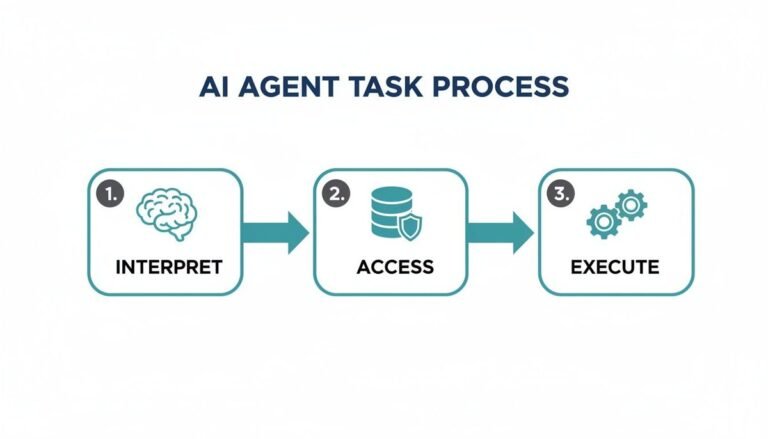
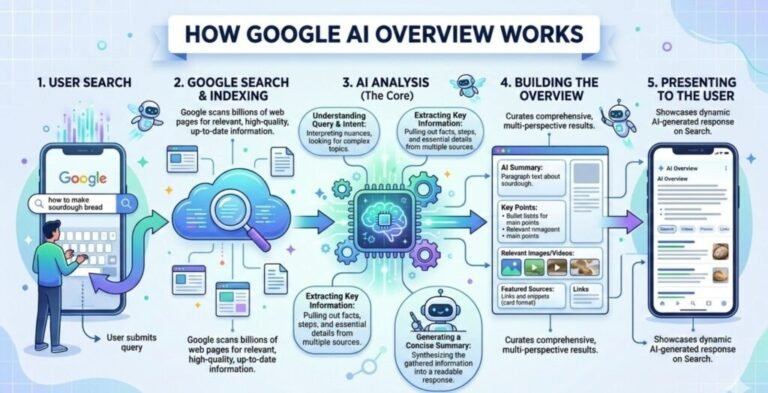
Most summarizers work in three stages. First, extraction: the tool pulls the main article text out of the page and strips away navigation menus, ads, and other clutter. Then the model analyzes the remaining text, scoring sentences for importance, spotting repeated themes, and identifying entities such as people, products, dates, and claims. Finally, it generates a condensed version that presents those key ideas in a sensible order.
The quality of the output depends heavily on the source. Pages crowded with pop-ups, autoplay videos, and unrelated sidebars can confuse even capable models, which is why most tools spend real effort cleaning the text before summarization begins.
Extractive vs. Abstractive Summarization
The clearest way to understand the technology is through its two main approaches. Extractive summarization selects whole sentences from the original text and stitches them together in order of importance. It preserves the exact wording but can read as choppy and often fails to connect ideas across paragraphs.
Abstractive summarization writes a brand-new text that expresses the same ideas in different words. It reads more naturally and compresses more tightly, but because the model generates new language, it can occasionally introduce details that never appeared in the source.
| Approach | How It Works | Strengths | Main Drawback |
|---|---|---|---|
| Extractive | Pulls whole sentences from the original | High fidelity to the source wording | Reads choppy; weak across paragraphs |
| Abstractive | Rewrites content in new words | Natural, compact summaries | Small risk of invented details |
Modern summarizers are almost always abstractive, powered by the same family of large language models that drives AI chatbots. This is what made it possible to compress a 3,000-word article into a half-dozen readable bullets — something extractive systems struggled to do gracefully.
What to Look For in an AI Summarization Tool
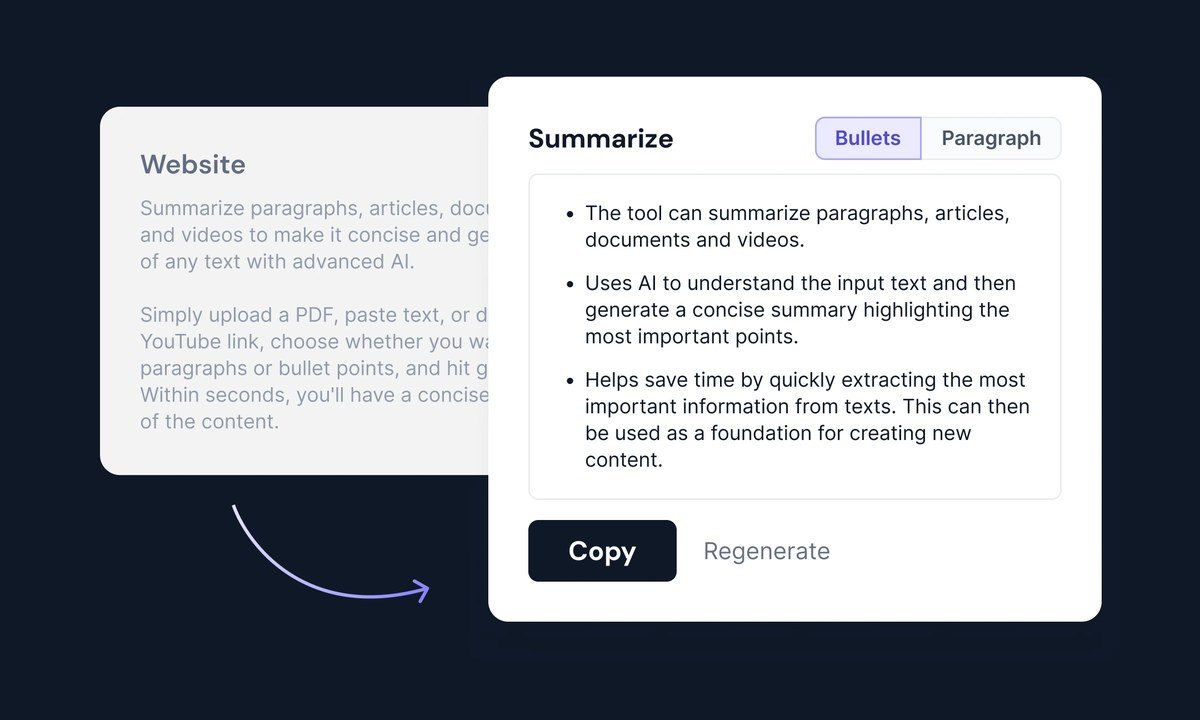
A comparison chart showing features to evaluate when choosing an AI summarization tool.
Accuracy, Customization, and Context Length
Accuracy is the first thing to evaluate. A good summary preserves the main claim, the supporting evidence, and the tone of the original. A poor one flattens nuance, highlights minor details, or misses the central argument entirely. The quickest test is to run two or three tools on the same article and compare what each one keeps.
Customization matters almost as much. The best tools let you choose between a paragraph, a bullet list, or a headline-style takeaway, and many let you set the target length. Context length is the quieter spec: it determines how much of a long page the model can read at once. Articles that exceed it may be cut off, which means the summary never sees the ending.
Privacy, Cost, and Platform Support
Before pasting a page into any summarizer, check what happens to the data. Some tools retain submitted text for model training; others promise zero retention. If you handle sensitive documents regularly, a tool with a clear no-retention policy is worth the extra effort — a topic explored in more depth in our guide to protecting your privacy when using AI tools.
Cost ranges from free browser extensions with basic features to paid apps with longer context windows, more language support, and faster processing. Think about where you read most: a handy extension suits casual browsing, while a standalone application may serve heavy research better.
Who Benefits Most From AI Web Page Summarizers?
Students, Researchers, and Professionals
Students face a constant flood of text, from textbook chapters to research papers. Summaries help them decide which sources deserve a full read and which can be skimmed or skipped. It’s one of the clearest examples of how AI is used in education today — not as a substitute for reading, but as a triage tool that reserves attention for the material that genuinely matters.
Researchers and analysts use summarizers to screen dozens of papers, press releases, and industry reports before committing to a deep read. Professionals in fast-moving fields like law, finance, and journalism do the same with news, court decisions, and earnings calls.
Accessibility Users and Non-Native Speakers
Dense pages are harder to read for people with certain cognitive or visual conditions, and they’re slower going for non-native speakers. A well-written summary lowers the barrier: readers grasp the main ideas quickly, then choose how much of the original to tackle.
Key Technical Specifications to Understand<
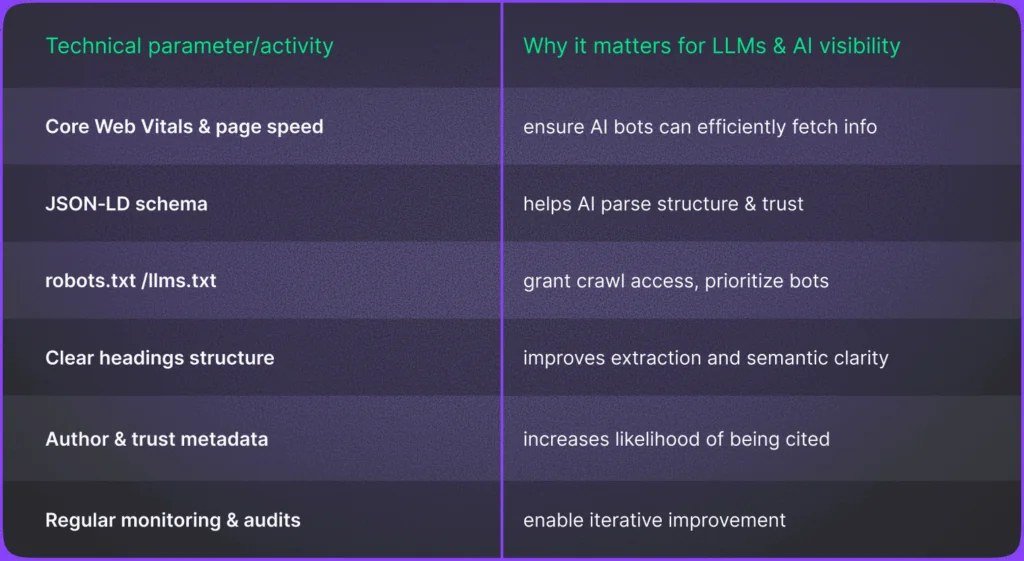
Table listing key technical specifications for AI web page summarization.
Table listing key technical specifications for AI web page summarization.
Context Windows, Token Limits, and Language Coverage
Two numbers matter most: the context window and the token limit. A context window is the amount of text, measured in tokens — rough chunks of words — that a model can consider at one time. Token limits also apply to output, capping a summary’s length. A model with an 8,000-token window handles one medium article comfortably, but a 50-page report needs a tool built for long documents. The way models manage this limited attention is closely related to how AI memory works in chatbots.
Language coverage also differs by model. English, Spanish, French, German, and Chinese are generally strong, while smaller languages may produce more errors or shorter summaries. If you work across languages, test the tool on a sample page before relying on it.
Context specifications change quickly and differ between models. A limit on one app — whether from a free tier, a browser extension, or an enterprise plan — may not exist on another, so check the current documentation before assuming a tool can handle a specific document length.
Browser Extensions vs. Standalone Applications
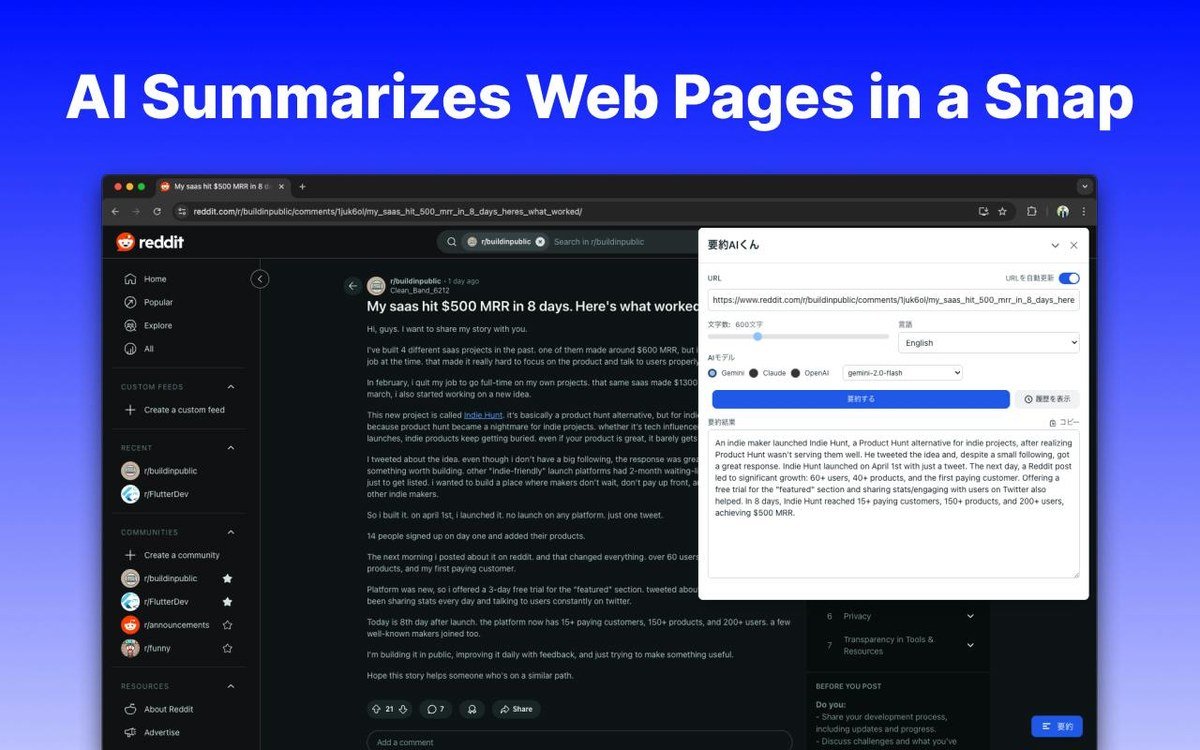
Browser extensions live in your toolbar and summarize the page you’re viewing with one click. They’re fast and convenient but limited by what’s on the screen and by the permissions you grant them. Standalone applications accept URLs or pasted text, handle longer documents, and usually offer more output formats. The right choice depends on whether you live in the browser or work with imported files.
Practical Ways to Use AI Summarization for Smarter Browsing
Taming News Feeds and Long-Form Articles
A news feed is a firehose. Instead of opening every article, skim the headlines, run a summary on the ones that look relevant, and read the full text only when the summary confirms it’s worth your time. This is a natural extension of how AI changes the way people search online: rather than hunting for the right link, you’re filtering the content behind it.
The same habit works for long-form journalism, white papers, and book excerpts. Summarize first, then treat the summary as a map and read the most relevant sections in full.
Streamlining Research, Email, and Reports
Research becomes faster when you summarize multiple sources side by side. You can compare what different articles agree on, spot contradictions, and build a reading list from summaries instead of abstracts.
Email threads and internal reports compress just as well. A long thread with twenty replies often hides one decision in the middle; a summary surfaces it. Daily market reports and policy documents shrink neatly into a paragraph you can act on.
Ask for structure, not just shorter text. Try prompts like “Summarize this in five bullets with the key numbers” or “Cover the main argument and any opposing views.” The more specific the request, the more useful the output — and keep the original page open to verify anything you plan to quote or act on.
Benefits and Limitations of AI Summarization
Key Benefits: Speed, Comprehension, and Focus
The benefits are easy to notice. Speed is the obvious one: a three-minute read becomes a twenty-second scan. Comprehension follows, because a summary forces the model to clarify what the page is about, and a good bullet list absorbs faster than a wall of text. Focus is the third win: readers spend their attention on the pages that actually matter instead of spreading it across everything.
- Saves significant reading time
- Makes long or dense pages easier to understand
- Helps filter information and prioritize full reads
- Useful across multiple languages and accessibility needs
- Can hallucinate details not in the original
- Inherits the bias of the source page
- Flattens nuance, tone, and context
- Quality varies noticeably between tools
Key Limitations: Hallucinations, Bias, and Lost Nuance
Three limitations deserve attention. Hallucinations happen when the model confidently adds a fact that never appeared in the source; they’re rare in some models and more common in others, but they never fully vanish. Bias is inherited, since a summary of a slanted article tends to keep the slant. Nuance is the quiet casualty — irony, humor, and hedging often disappear under compression, which matters more in opinion pieces than in straightforward news.
Common Mistakes to Avoid When Using AI Summarizers
Blindly Trusting Output and Ignoring Source Quality
The biggest mistake is treating a summary as ground truth. If the source page is unreliable, the summary inherits that unreliability and adds a layer of confidence on top. Check the original source first, and be more skeptical of summaries built from low-quality pages.
Failing to Verify Critical Information
Numbers, dates, names, and quotes are exactly the details most likely to slip. Whenever a summary contains a statistic or a direct claim you plan to use, open the original and confirm it. This one habit prevents most summary-related errors.
Maintaining Accuracy: Prompt Hygiene and Regular Checks
Be specific about what you ask for, and audit the output regularly. If a tool keeps missing the ending of long articles, switch to a longer-context model or split the document. If it overstates claims, adjust your prompts to request a more cautious summary. The more you check, the better you’ll gauge a tool’s reliability.
Value, Alternatives, and Final Recommendation
Built-In Browser Tools vs. Third-Party Summarizers
Some browsers now include built-in AI reading and summarizing features. They’re convenient, require no installation, and keep the workflow inside the browser. Third-party extensions and standalone apps usually offer more control over length, format, and language, and they often handle longer documents. Neither is categorically better: the built-in option is the low-friction choice, while a dedicated tool is the more powerful one.
There’s also a no-AI alternative: read the first and last paragraphs, scan the headings, and use reader mode. It costs nothing and can’t hallucinate, but it takes more time per article.
Final Verdict: Is It Worth Adopting in 2026?
In 2026, AI web page summarization is mature enough to be genuinely useful, but it still warrants a skeptical eye. Adopt it for low-stakes filtering — news triage, research screening, long-email digestion — and verify anything that feeds into a real decision. Used that way, a good summarizer isn’t a replacement for reading; it’s more like a pair of binoculars, showing you what’s worth looking at closely.
- AI summarizers extract, analyze, and rewrite page content into short digests.
- Abstractive tools read naturally but carry a small hallucination risk.
- Best for students, professionals, and accessibility users; weakest for nuance-heavy text.
- Verify numbers, names, and quotes against the source, and respect privacy policies.
- Built-in browser tools are convenient; third-party apps offer more control.
Frequently Asked Questions