What Is Multimodal AI in Simple Words Explained Simply
Multimodal AI is artificial intelligence that can understand and work with several types of input at once, such as text, images, audio, and video. Instead of treating each type separately, it combines them to respond in a more human-like way.
To understand what is multimodal ai in simple words, think about how humans take in the world: we read, look, listen, and speak all at once. Multimodal AI tries to do the same by combining several types of information, called modalities, into one system. Instead of a chatbot that only reads text, a multimodal model can look at a photo, read the text on it, listen to an audio clip, and answer questions that connect all of them. This guide explains how these systems work, who benefits most, what to check before using one, and where they still fall short.
- Plain definition: Multimodal AI processes text, images, audio, and video together in one system.
- Why it matters: It understands context better than single-format AI because it sees the whole picture.
- Real uses: It powers image-to-text tools, voice assistants, video analysis, and accessibility features.
- Trade-offs: It costs more to run, needs more data, and can still produce confident mistakes.
- Who it suits: Creators, students, healthcare teams, customer support, and anyone juggling multiple formats.
The Direct Answer About What Is Multimodal AI in Simple Words
Multimodal AI is a form of artificial intelligence that processes more than one type of input at the same time. A modality is simply a format of information: text, images, audio, video, and sometimes sensor data like temperature or motion. A unimodal AI, by contrast, handles only one format, such as a text-only chatbot.
What makes multimodal AI different is that it connects those inputs. It does not just recognize that a photo contains a dog; it can combine the photo with a caption and a spoken question, then produce a useful answer. For example, you could show it a picture of a plant and ask, “This leaf is turning yellow, what should I do?” The model uses both the image and your text to give a specific answer rather than a generic one.
The key idea is joint understanding. The model builds a shared representation of all the inputs, so information from one modality can inform another. That is why multimodal systems can describe a picture, transcribe speech, translate text, and answer follow-up questions in one conversation.
The word “multimodal” combines “multi,” meaning many, with “modal,” which comes from the Latin “modus,” meaning way or manner. In AI, each way of presenting information – text, sound, or vision – counts as one modality.
Not every tool that handles multiple formats is truly multimodal. Some run separate models for each format and stitch the results together. True multimodal AI processes inputs in a shared way, which usually produces more coherent answers.
What to Look For and Who It Suits
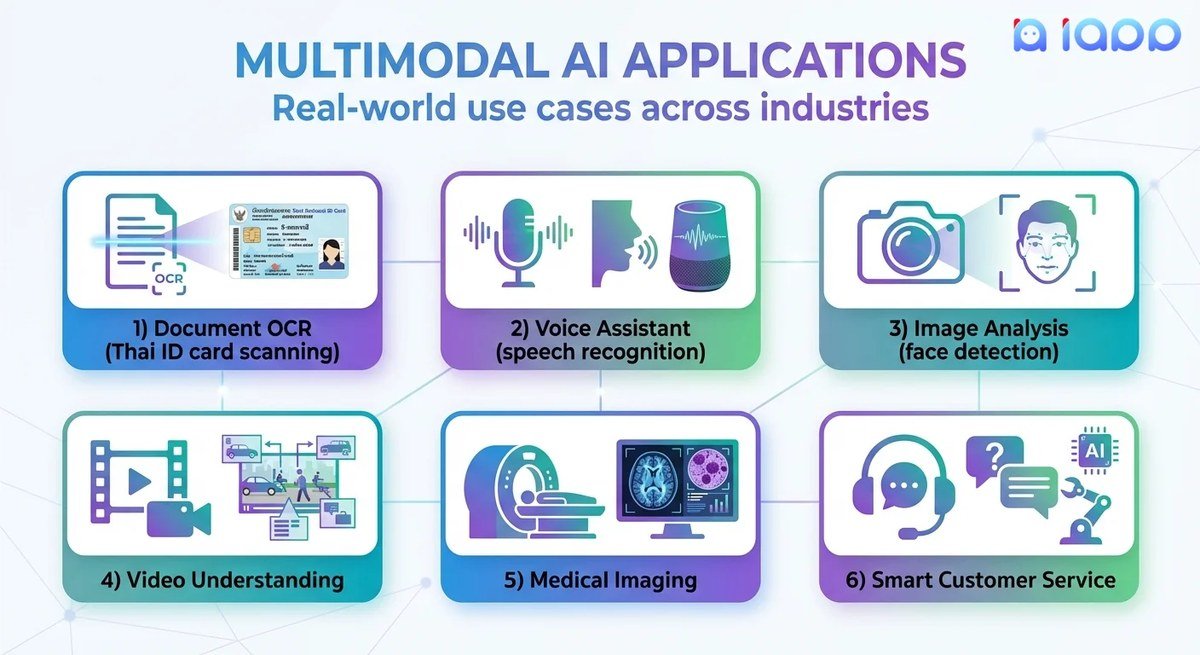
Illustration of multimodal AI combining text, images, and audio for unified processing.
Not all multimodal AI systems are equal. When evaluating one, look at which modalities it actually supports, how well it connects them, and how it handles context.
Key things to check:
- Which inputs are supported (text, image, audio, video)
- Whether the model can reason across inputs in one conversation
- How large the context window is, meaning how much material it can hold at once
- Whether it can generate output in more than one format
- Cost, speed, and privacy considerations
Who benefits most:
- Students and researchers who need to understand diagrams, equations, or lecture recordings
- Creators who generate images, edit video, or write scripts
- Healthcare teams that review medical images alongside patient notes, with proper safeguards
- Customer support teams that handle screenshots, voice messages, and chat
- People with accessibility needs, such as image descriptions or speech-to-text
If you only need occasional image descriptions or voice transcription, a free or low-cost multimodal tool is often enough. Pay for a heavier model only when you regularly need long-context reasoning across documents, images, and audio.
Key Components, Capabilities, and Specifications to Check
Multimodal AI systems are built from several components that work together. Understanding them helps you judge what a model can actually do.
Core components:
- Encoders: convert each input type into a numerical representation the model can process
- Fusion layer: combines those representations so text, image, and audio inform each other
- Decoder or generator: produces the output, whether that is text, an image, or speech
- Context window: the amount of information the model can hold at once, measured in tokens
These systems rely on deep learning techniques that train on massive collections of paired data, such as images with captions and audio with transcripts. The training teaches the model which patterns tend to appear together, so it can make reasonable guesses about new combinations.
Capabilities to verify before you rely on a tool:
| Capability | What to Look For | Why It Matters |
|---|---|---|
| Input types | Text, image, audio, video support | Determines what you can upload |
| Cross-modal reasoning | Answers that connect multiple inputs | The core value of multimodal AI |
| Output formats | Text, image, speech, video | Matches your workflow |
| Context window | Number of tokens | Longer context means more material at once |
Model specifications change quickly. Check the official documentation for the exact context window, supported file types, and pricing, because these details vary by model, version, and subscription tier.
Use Cases, Benefits, and Real-World Trade-Offs<
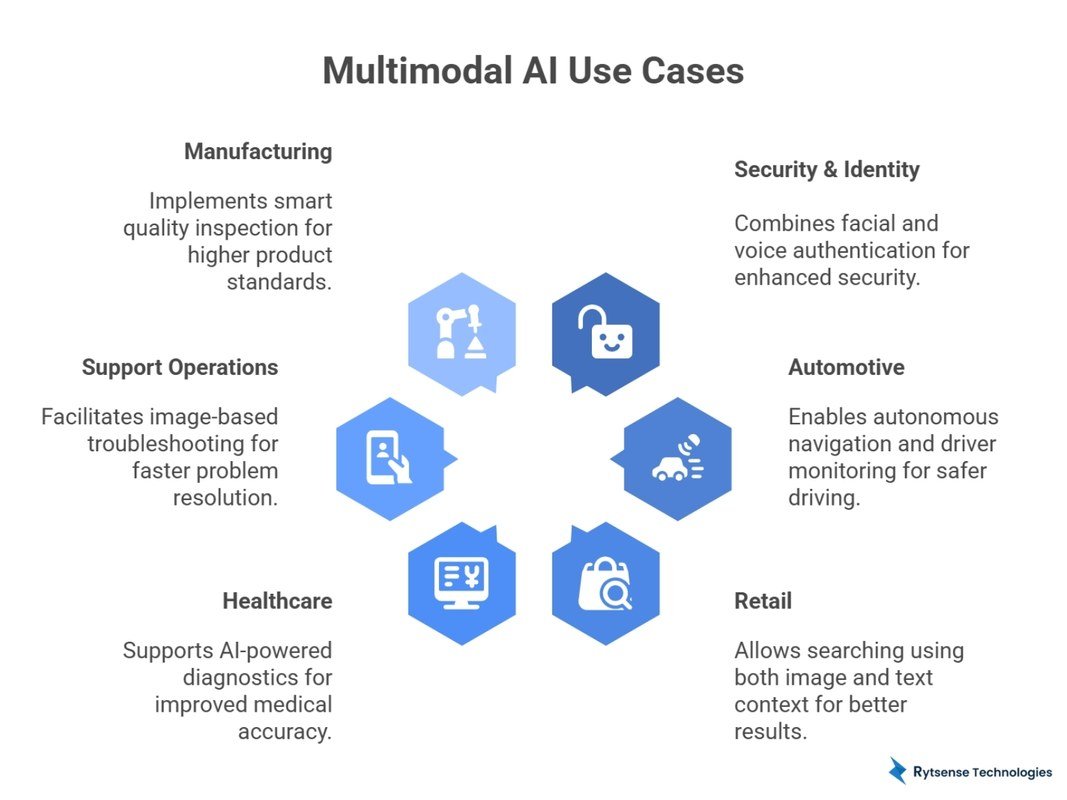
Infographic illustrating multimodal AI use cases, benefits, and trade-offs across data types.
Infographic illustrating multimodal AI use cases, benefits, and trade-offs across data types.
Multimodal AI is already embedded in everyday tools. Search engines can answer questions about a photo you upload. Voice assistants can look at your calendar and read an email at the same time. Accessibility apps describe scenes for people with vision loss. In education, students photograph a handwritten problem and get step-by-step help.
It also powers much of the latest generative AI wave. Models that create images from text descriptions, turn a sketch into a finished design, or add captions to video clips all depend on multimodal training. Businesses use it for quality control, where cameras photograph products and models flag defects that text alone could never describe. Real estate agents upload property photos and get listing descriptions in seconds. Journalists transcribe interviews and search video footage by describing the scene they need.
Benefits:
- More natural interactions, because you can combine a photo, a voice note, and a typed question the way you would with a human
- Better context for tricky questions, especially where a picture matters more than words
- Time savings when you would otherwise copy text, resize images, or describe files manually
- Accessibility improvements for people who need audio or image descriptions
Trade-offs:
- Higher computing cost, which often means higher subscription prices
- Larger data requirements for training, raising questions about where that data comes from
- Occasional confident mistakes, called hallucinations, especially when the input is blurry, ambiguous, or unusual
- Privacy risks, because uploading images, audio, or documents means sending sensitive data to a third party
- Understands context across text, images, and audio
- Feels more natural than typing everything
- Useful for accessibility and creative work
- Costs more to run and often costs more to use
- Can hallucinate on unclear or biased inputs
- Privacy concerns when uploading sensitive files
Adoption, Integration, and Common Mistakes
Getting value from multimodal AI is less about buying the most powerful model and more about using it in the right place. Start with a task you already do by hand: summarizing a meeting recording, describing a product photo, or extracting data from a scanned document. Test the output against your own judgment before trusting it.
Common mistakes to avoid:
- Assuming the model “sees” the way humans do. It recognizes patterns but has no real-world experience.
- Uploading sensitive documents without checking the provider’s data policy.
- Using a heavy model for a simple task, wasting time and money.
- Skipping verification of important outputs, such as medical or legal information.
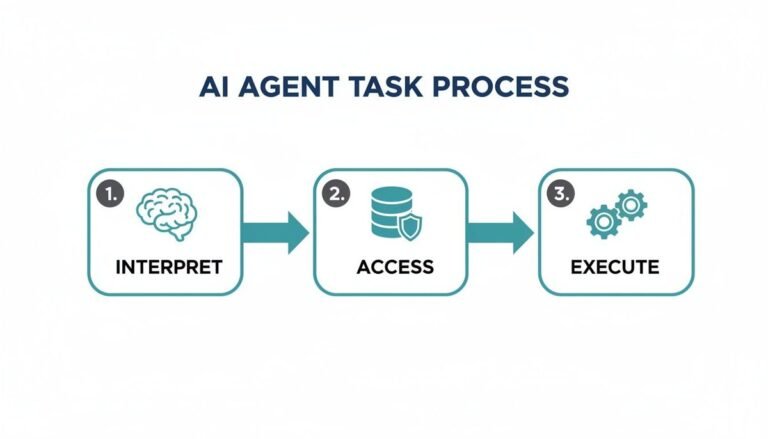
It also helps to understand how these systems fit into the broader AI landscape. Multimodal understanding is one of the building blocks behind AI agents, which use what they see and hear to take actions like searching the web or drafting replies. If you plan to build workflows around AI, knowing how the pieces connect will save you from common integration mistakes.
Privacy, Safety, and Responsible Use
Multimodal AI raises privacy questions that text-only AI does not. A photo can reveal your location, your home, or the faces of other people. An audio clip can capture conversations you did not intend to share. Before you upload anything, ask three questions: Who can access this data? How long is it stored? Is it used to train future models?
Safety considerations:
- Avoid uploading documents with personal identifiers unless the provider offers clear data protection
- Be careful with medical images, financial records, and photos of children
- Remember that outputs may reflect bias in training data, especially for underrepresented groups
Also consider the difference between consumer and enterprise plans. Many providers offer stronger data protections, such as not training on your inputs, only in paid business tiers. If privacy matters to you, look for that commitment in writing rather than assuming it applies to every plan.
Treat multimodal AI like a smart assistant with no common sense. It can describe an image or transcribe a call accurately, but it cannot judge whether sharing that content is appropriate. When in doubt, leave sensitive material out or use a local, offline model that never sends data to a server.
Value, Alternatives, and Final Recommendation
Multimodal AI is not the right tool for every task. If you only write text, a text-only model is cheaper, faster, and simpler. If you only need one-off image descriptions, a dedicated tool may be enough. The value of multimodal AI appears when you regularly combine formats: annotating screenshots, summarizing meetings, building study materials from slides and recordings, or helping customers describe a problem with a photo.
Alternatives to consider:
- Text-only AI models for writing and coding tasks
- Separate transcription, image recognition, or translation tools for single tasks
- Open-source local models that run on your own hardware and keep data private
- AI agents that combine multimodal understanding with actions like searching the web or sending emails
The practical test is simple: does the tool save you real time on a task you do more than once a week? If yes, the subscription is easy to justify. If you are just experimenting, start with a free tier and keep a list of tasks where the output genuinely helped. That list, not the marketing, should decide whether you upgrade.
- Multimodal AI combines text, images, audio, and video in one system.
- It suits people who regularly work across formats, not simple text tasks.
- Check supported inputs, context window, privacy policy, and cost before choosing a tool.
- Verify important outputs and avoid uploading sensitive data to unverified services.
Frequently Asked Questions