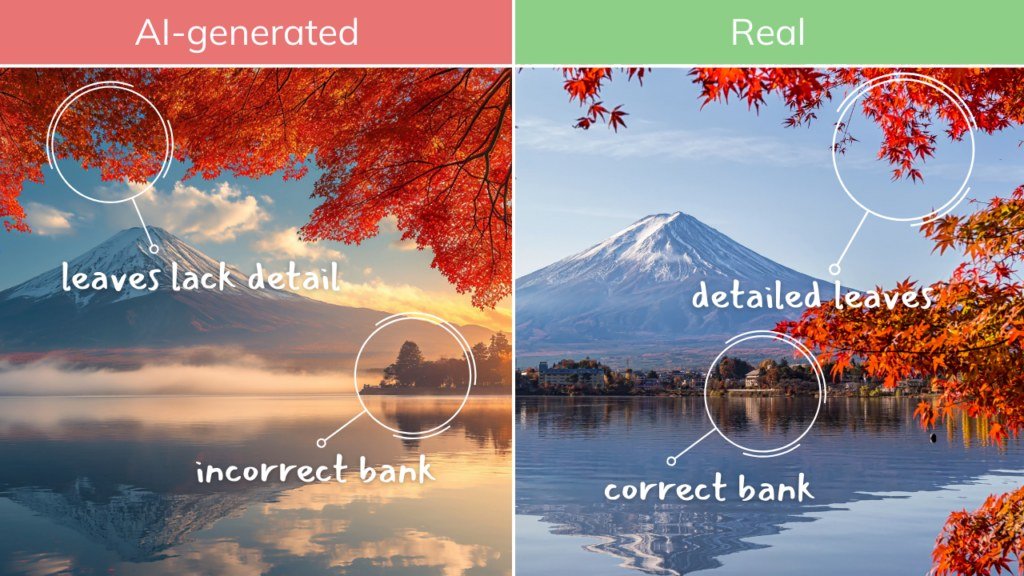
How to Tell if an Image is AI Generated in Seconds
The fastest way to check is a 10-second visual scan: zoom into the hands, read any text closely, and check whether the lighting and shadows make physical sense. For a firmer answer, examine the file metadata, look for C2PA content credentials, and run the image through a detection tool as a second opinion.
Learning how to tell if an image is ai generated has become an essential part of reading the internet in 2026. Photorealistic synthetic images now appear in news feeds, online storefronts, dating apps, and political ads, and casual viewers often can’t spot them by instinct alone. The good news is that you don’t need special software or technical training. A structured routine of visual checks, file inspection, and free verification tools can expose most AI-generated images in under a minute.
- Visual scan first: Hands, text, and lighting inconsistencies reveal most AI images in seconds.
- Metadata matters: Generator names in file properties can confirm AI origin when present.
- C2PA credentials: Signed content credentials prove an image’s history, but their absence proves nothing.
- Tools are helpers: AI detectors give probability scores, not verdicts — combine at least two methods.
- Context counts: Always consider the source and the reason the image was shared.
The 10-Second Check: How to Tell if an Image is AI Generated
Before you dig into metadata or download a detection tool, run a quick triage. This 10-second scan won’t prove anything on its own, but it tells you which images deserve a closer look.
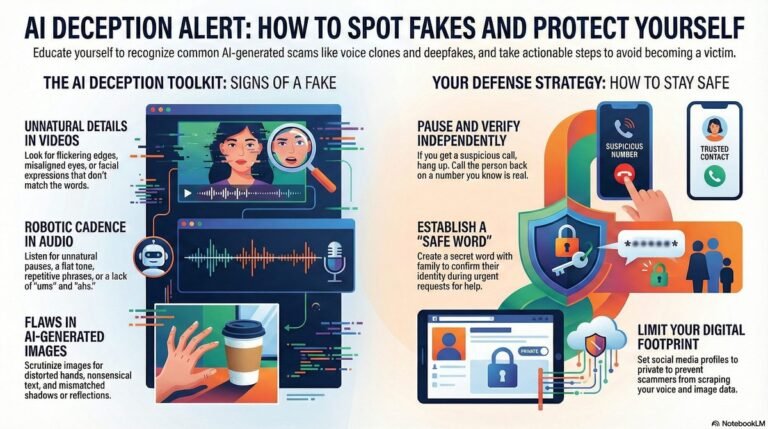
Ask four questions. First, who posted the image and why? A random account with no history sharing a dramatic photo is a bigger red flag than an established news outlet. Second, are the hands believable? Zoom in and count fingers, check knuckles, and look at fingernails. Third, is there any text in the frame? Signs, shirts, storefronts, and screenshots all reveal garbled lettering in many AI images. Fourth, does the lighting make sense? If shadows point in opposite directions or reflections don’t match the scene, treat the image with suspicion.
Zoom before you judge. Most AI artifacts hide in small details at the edges of the frame, like earrings, watch faces, belt buckles, and keyboard keys. On a phone, pinch to zoom; on a desktop, open the image in a new tab and enlarge it.
Visual Telltale Signs of AI-Generated Images
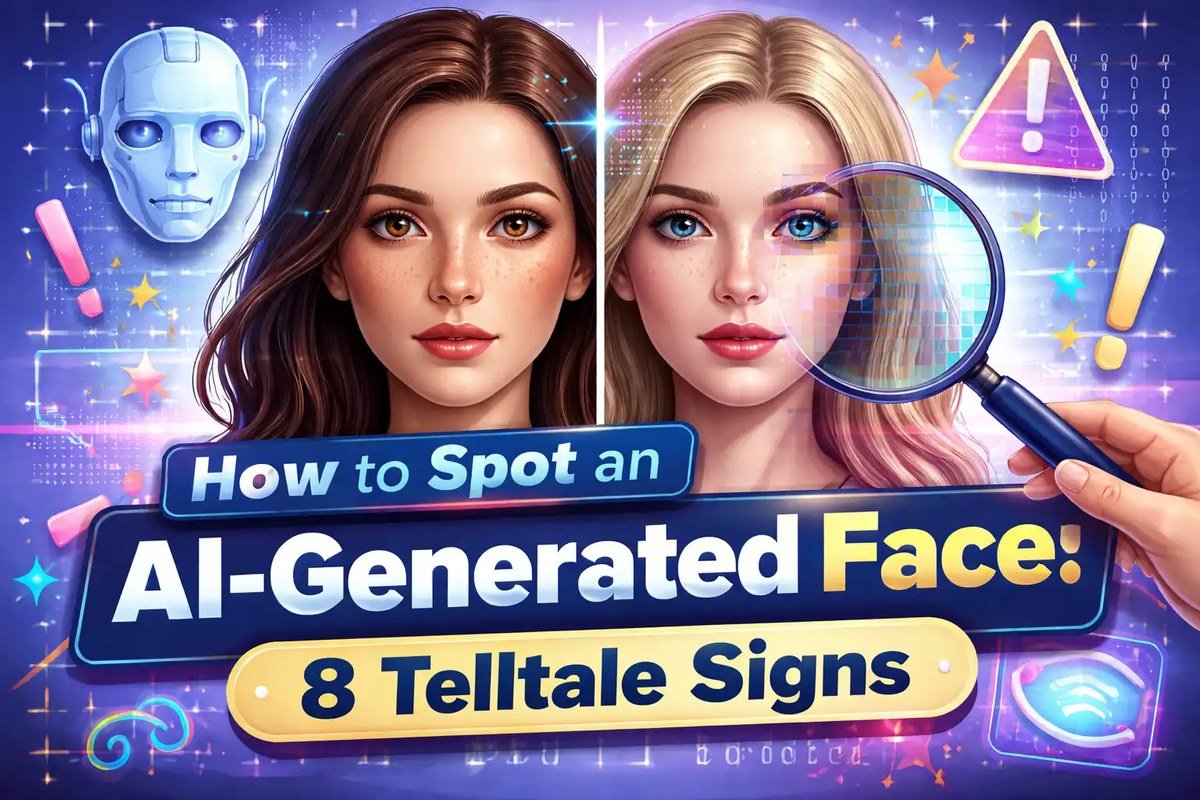
Close-up of common AI image errors including hands, text, and background details.
AI generators build images pixel by pixel based on statistical patterns, which is why they produce recurring glitches. Understanding what is generative ai and how it works explains why these quirks appear even in otherwise flawless photos. Once you know what to look for, the signs become easy to recognize.
Hands, Fingers, and Facial Details
Hands remain the most famous weak spot. Look for extra fingers, fingers that fuse together, or thumbs positioned on the wrong side of the hand. Knuckles and joints often look blurred or oddly placed, and rings or bracelets may melt into the skin.
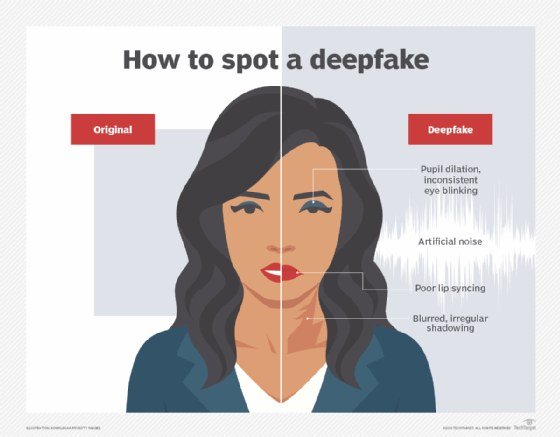
Faces deserve scrutiny too. Skin often looks unnaturally smooth or waxy, teeth blur together into a single mass, and ears can appear stamped on rather than attached. The eyes are especially telling: mismatched irises, inconsistent catchlights, or reflections that differ between the left and right eye are all common AI artifacts.
Text, Logos, and Watermarks Inside the Image
Text is one of the hardest things for AI models to render correctly. Read any signage, clothing labels, storefronts, or computer screens inside the image. Garbled characters, misspelled words, and letters that blur at the edges are strong signals of AI generation.
Logos deserve a closer look as well. A familiar brand logo with warped geometry, uneven spacing, or distorted letterforms is a red flag. Some generators also produce fake watermarks that look plausible from a distance but fall apart when enlarged.
Lighting, Shadows, and Reflections That Don’t Add Up
Real photographs obey the physics of light. AI images often don’t. Check whether shadows fall in a consistent direction and whether objects cast contact shadows where they touch the ground. If a person’s face is lit from the left but their hands cast shadows to the right, something is wrong.
Reflections are another giveaway. Eyeglasses and eyes should mirror the light sources in the scene. In AI images, reflections often appear in the wrong position, or the two eyes show different reflections entirely. Glass surfaces, car windows, and polished floors can also bend in physically impossible ways.
Background Objects and Contextual Clues
AI generators tend to struggle with backgrounds, especially in busy scenes. Look for repeating patterns in brickwork, tiling, foliage, or crowd scenes — identical leaves, bricks, or faces repeated across the frame suggest synthetic construction.
Architecture is another common failure point. Windows, doors, and railings may have impossible angles or merge into the walls around them. In crowd shots, background faces often blur into indistinct blobs, and limbs may appear from nowhere or dissolve into the person beside them.
Checking Image Metadata and File Information
If the visual signs are ambiguous, the file itself may hold the answer. Most cameras and editing programs embed metadata — technical details stored inside the image file. On Windows, right-click the file, choose Properties, and open the Details tab. On a Mac, open the file in Preview and press Command-I. Many AI generators tag their output with the generator’s name, such as Midjourney, DALL·E, Stable Diffusion, or Adobe Firefly, sometimes with an explicit “AI-generated” field.
Keep in mind that metadata is fragile. Social media platforms strip most of it when images are uploaded, and screenshots remove it entirely. The absence of metadata proves nothing — but the presence of a generator name is a strong indicator.
What Is C2PA and Why It Matters in 2026
C2PA — the Coalition for Content Provenance and Authenticity — is an open technical standard that attaches cryptographically signed “Content Credentials” to an image. These credentials record how the image was created and edited, and they can be verified without trusting the person who shared the image. The standard is backed by a broad alliance of technology and media companies.
In 2026, C2PA support has grown significantly. More cameras, phones, and editing tools sign images at capture time, and several major platforms display content credential badges on verified media. Free verification tools, including the C2PA’s own Verify service, let you check whether an image carries valid credentials.
A valid C2PA credential is strong evidence of an image’s history — but the absence of a credential is not proof of AI generation. Legitimate photos captured before the standard was widely adopted, images re-uploaded many times, and screenshots may carry no provenance data at all.
Using AI Detection Tools and Services
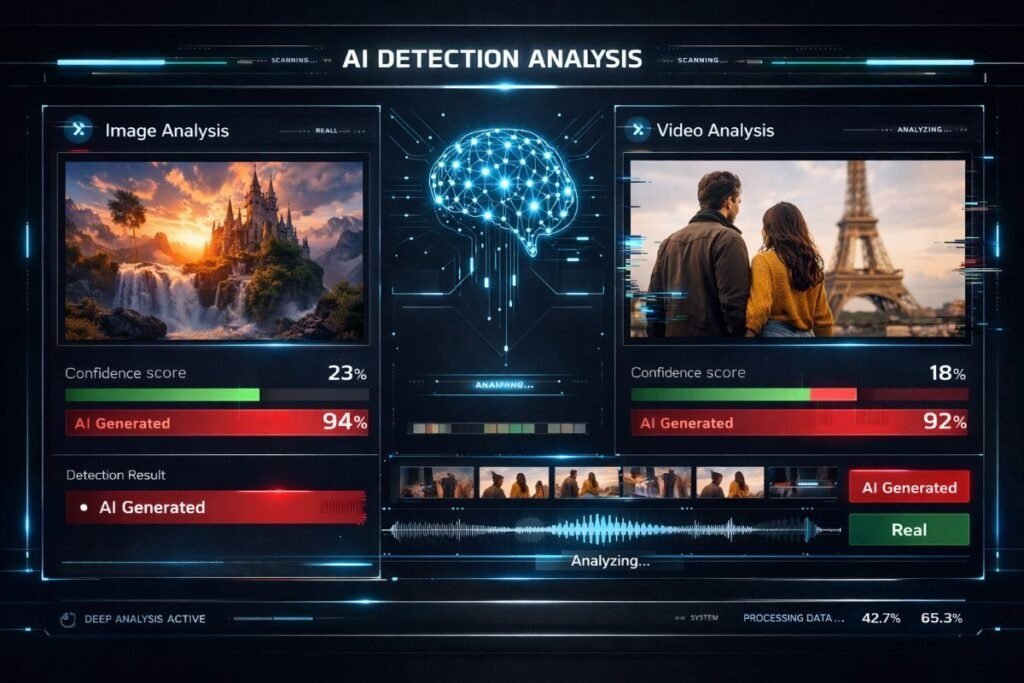
A person analyzes an image with an AI detection service on a laptop.
When visual checks and metadata aren’t enough, dedicated detection tools can provide a second opinion. These tools fall into a few categories, and they work best when used together rather than alone.
Types of Detection Tools Available in 2026
| Tool Type | Best For | Key Consideration |
|---|---|---|
| AI image classifiers | Quick probability score | Confidence varies; check the stated score |
| Forensic analyzers | Detecting editing and compression traces | Requires some practice to interpret |
| C2PA provenance checkers | Verifying signed content credentials | Only works on images with credentials |
| Reverse image search | Finding the original source | Fails on brand-new images |
AI image classifiers, such as Hive and AI or Not, analyze patterns in the image and return a probability score. Forensic analyzers like FotoForensics examine compression artifacts and error levels to reveal editing. C2PA provenance checkers verify credentials on signed images, and reverse image search tools like Google Lens or TinEye help you find where an image first appeared — a quick way to expose stolen or repurposed visuals.
How to Evaluate Detection Results
Treat every detection tool as one data point, not a verdict. A high confidence score from one classifier is useful, but false positives happen, especially on heavily filtered photos, old scans, and unusual artwork. Run the same image through a second tool and compare the results. If two independent methods agree — for example, a classifier flags the image and the metadata names a generator — you can be far more confident.
Also consider privacy before uploading anything. Submitting an image to a third-party service means sharing it with that service. If the image is sensitive — a selfie, a document, or a private photo — review how to protect privacy when using ai tools before you upload it.
Limitations: Why Detection Methods Can Fail
No detection method is perfect, and the gap between AI generation and AI detection keeps shifting. Generative models improve every few months, and newer images often lack the obvious glitches that older models produced. Detection tools trained on older generators may miss images created with newer ones.
Post-processing also erases clues. Compression, filters, resizing, and screenshots strip metadata, remove C2PA credentials, and blur the fine details that visual inspection relies on. Human judgment has limits too — most people overestimate their ability to spot AI images, especially when the image confirms their existing beliefs. A skeptical mindset helps, but it is not a detection method.
Common Mistakes People Make When Spotting AI Images
Most failed attempts to identify AI images come down to a few repeated errors. Recognizing them can save you from both false alarms and missed fakes.
- Zoom into hands, text, and edges before judging
- Check the source and context of the image first
- Combine visual checks, metadata, and a detection tool
- Look for C2PA credentials when available
- Deciding based on a single artifact
- Trusting one tool’s confidence score blindly
- Assuming “too perfect” means AI-generated
- Ignoring the possibility of a real photo with heavy editing
One common fallacy is treating imperfection as proof. A real photo can have blurry hands, bad lighting, and odd reflections. Another is expecting all AI images to look surreal — modern generators are fully capable of producing boring, mundane, and entirely believable scenes. The goal is not to find one flaw but to weigh multiple signals together.
Benefits and Value of Learning to Detect AI Images
Learning these skills pays off in everyday life. You will be better equipped to spot misinformation in your news feed, recognize fake product images in online stores, and avoid rental and romance scams that use synthetic photos to build trust. For creators, understanding AI images helps protect your own work and clarifies when an image should be credited as synthetic rather than authentic.
There is also a broader benefit: media literacy. Passing these habits on to family members — especially younger ones who grew up with generative tools — builds a healthy skepticism that no single platform can provide. If you want broader context on the technology behind these images, the AI explained guides cover the fundamentals of how these systems work.
Final Recommendation: A Practical Detection Workflow
Here is a simple routine you can apply to any suspicious image. It takes about 30 seconds and combines the strongest methods into one pass.
Who posted the image, and what are they trying to show you? Context is the fastest filter.
Look at hands, text, lighting, and background objects for obvious artifacts.
Zoom into edges, jewelry, reflections, and small text. Enlarge the image to full resolution.
Open the file properties for generator names and look for content credentials.
Run the image through one detection tool and weigh its confidence score alongside your own findings.
No single step is conclusive, but when several signals point the same way, you can act with confidence. And when in doubt, treat the image as unverified rather than deciding based on a hunch.
- Start with the source, then run a fast visual scan of hands, text, and lighting.
- Check file metadata and C2PA content credentials for a technical answer.
- Use one or two detection tools as a second opinion, never as a verdict.
- Combine multiple signals — no single method is reliable on its own.
Frequently Asked Questions